Fontys S4
Network scanning and enumeration
To create a demo for this a made up a scenario. The scenario is that I got VPN access to a place I want to hack and I want to know how the network looks like. This is no actual hack but mere a VPN tunnel to my own home.
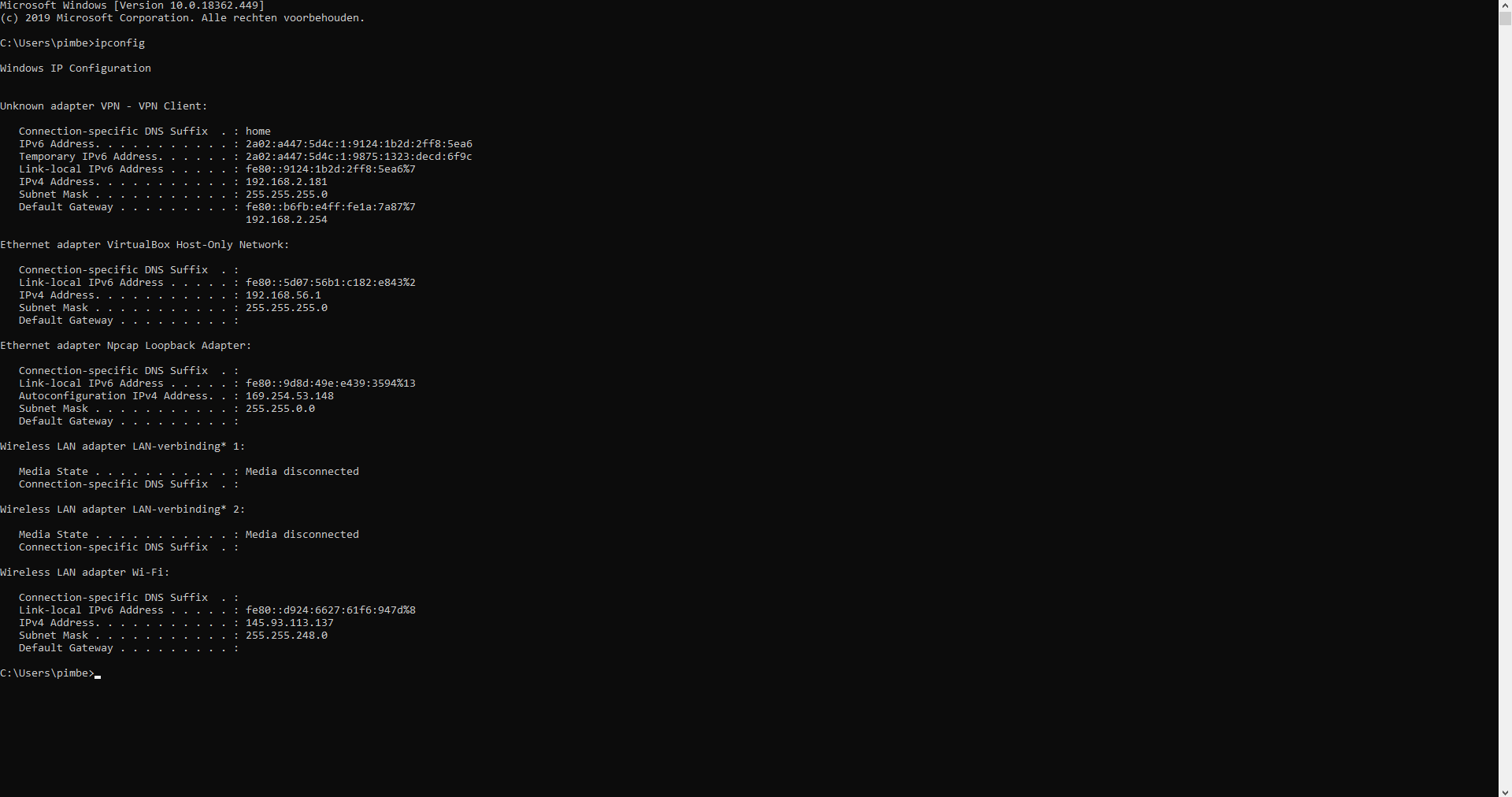
So I looked up in which IP range I was so I had a clue from which I could continue.
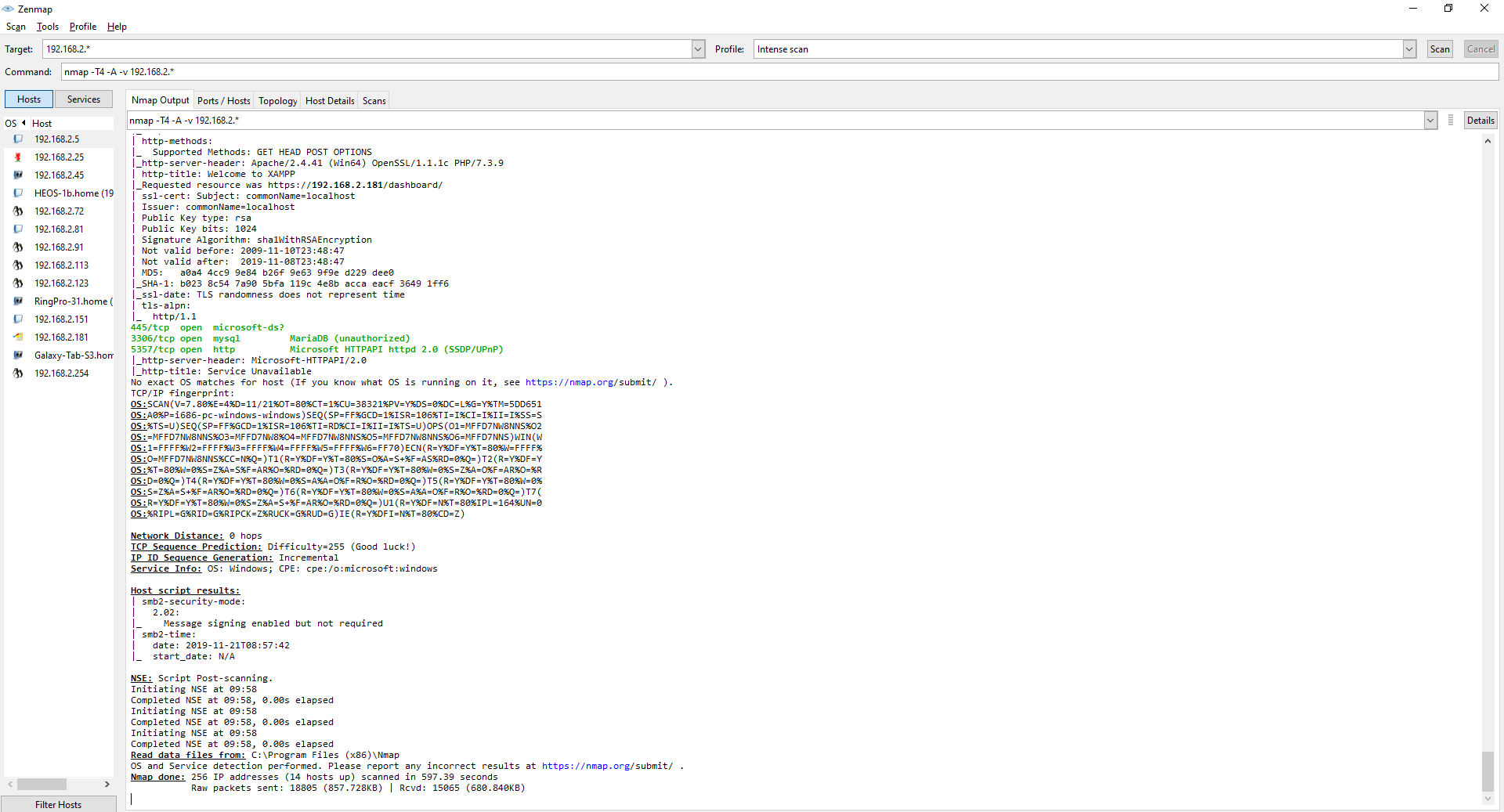
I did a network scan using NMap in the ip range that I was connected to. As you can see on the left hand side there are some machines that came up in the scan which I could take a look at.
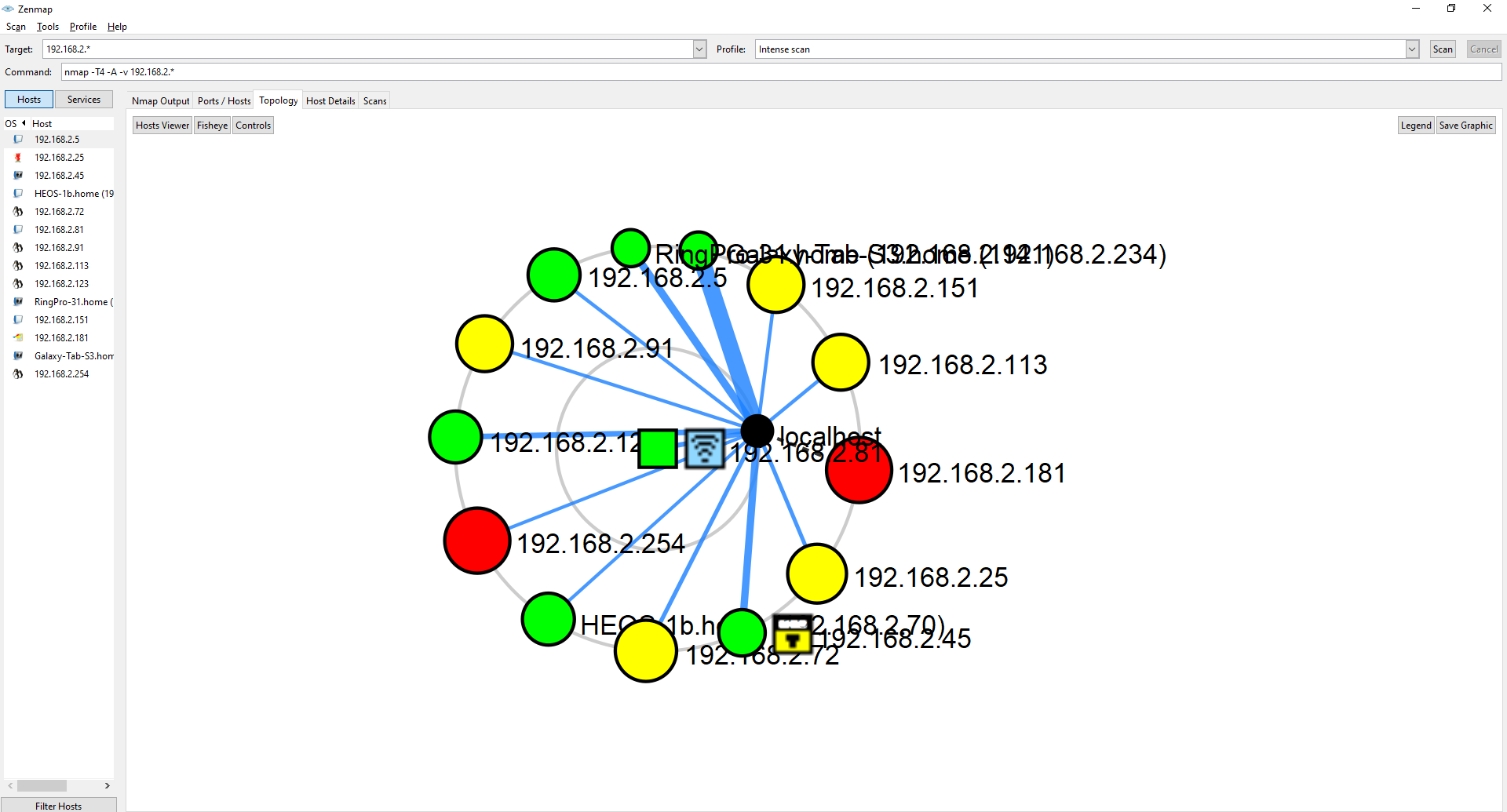
I took a look at the topology of the network first. This is a easy way to get an overview of the network, all with connected routers, AP's and switches. I can also see in this diagram that there are some devices in red which mean they have 6 or more open ports, those devices might be more interesting to me
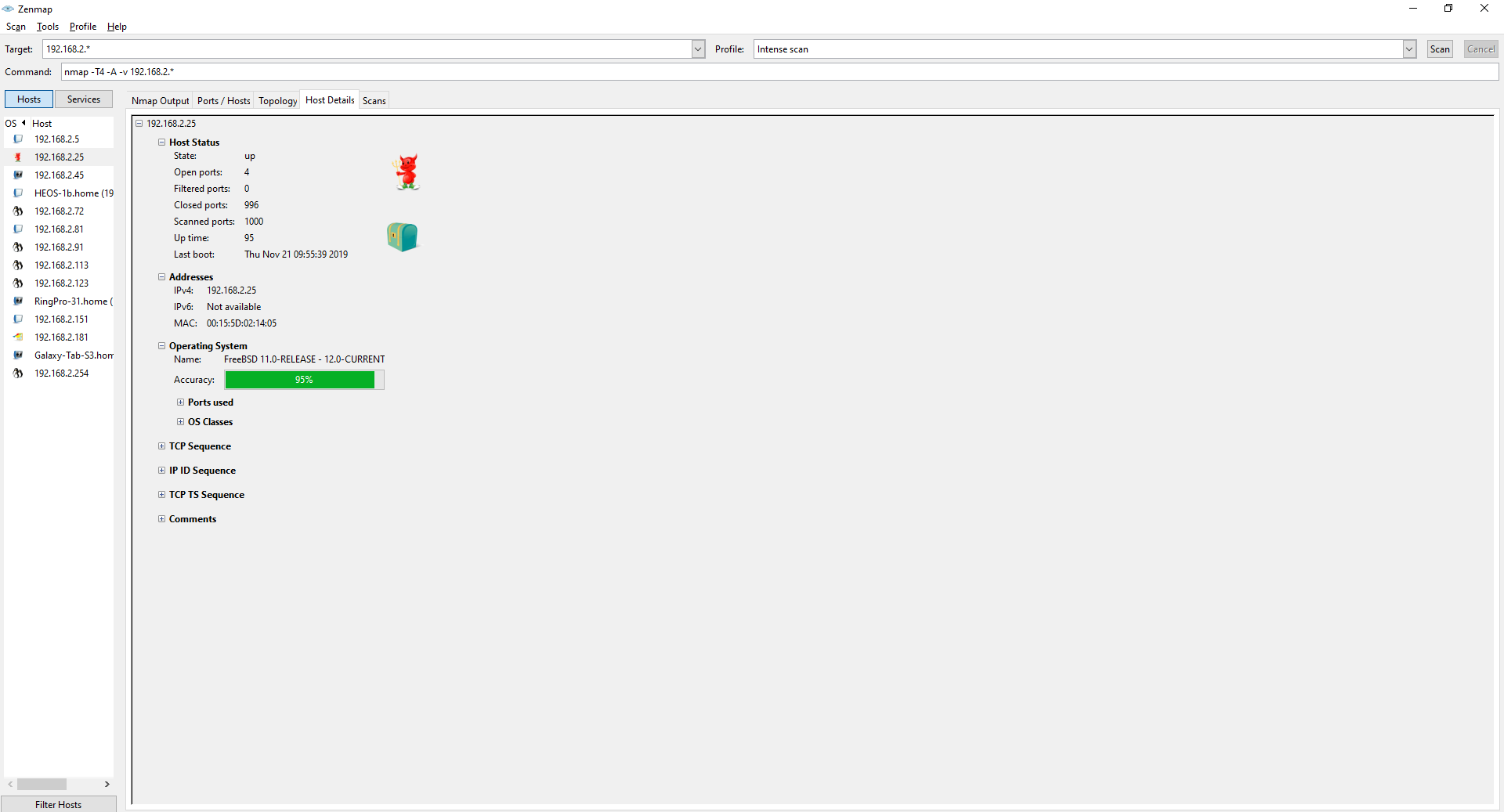
I see that this machine is different from the rest, it's the only one running FreeBSD so that might be interesting.
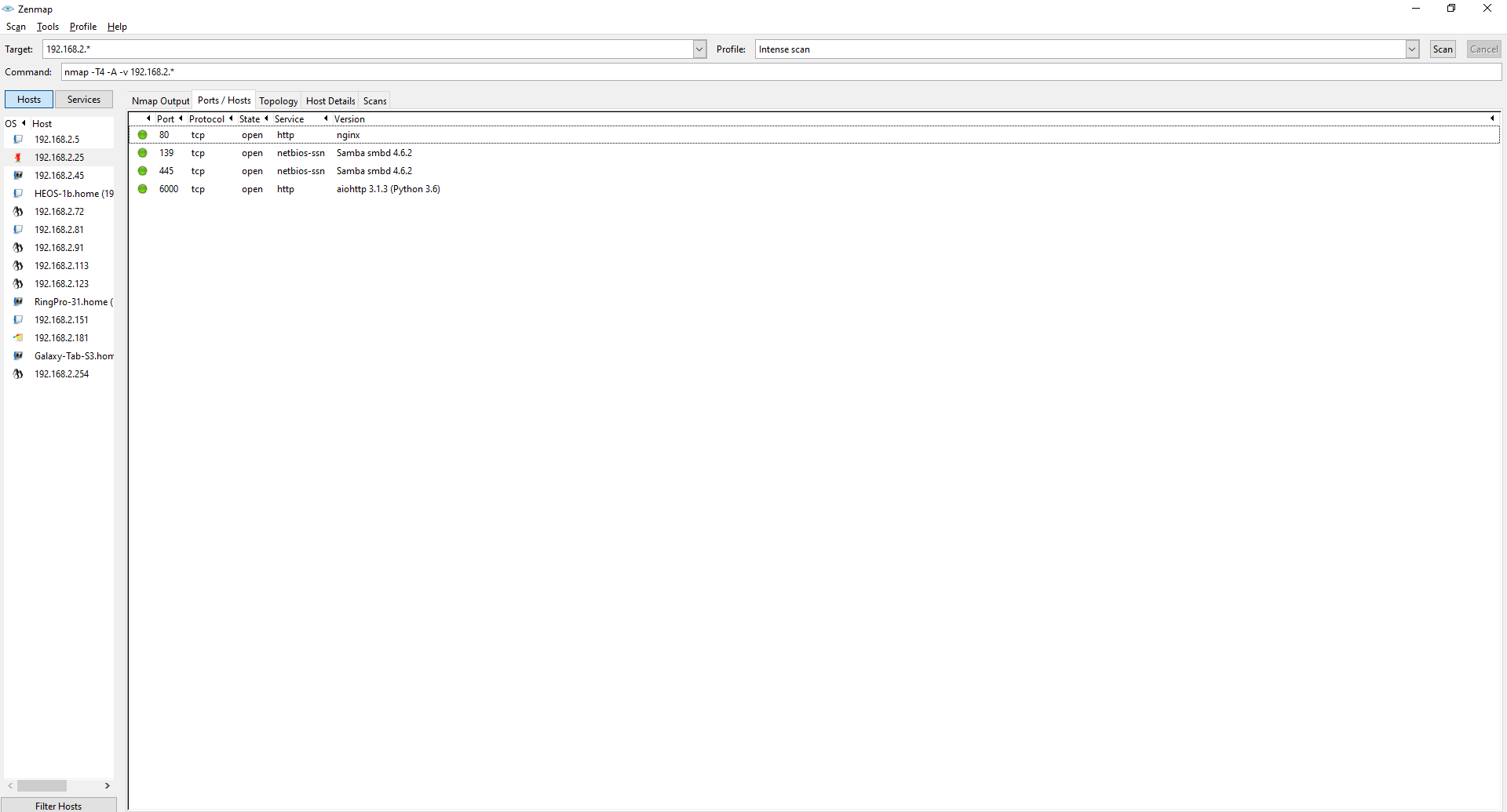
This machine has open ports for the smb protocol which could mean this is a NAS. I could use this information to go further and get for example access to the samba shares.
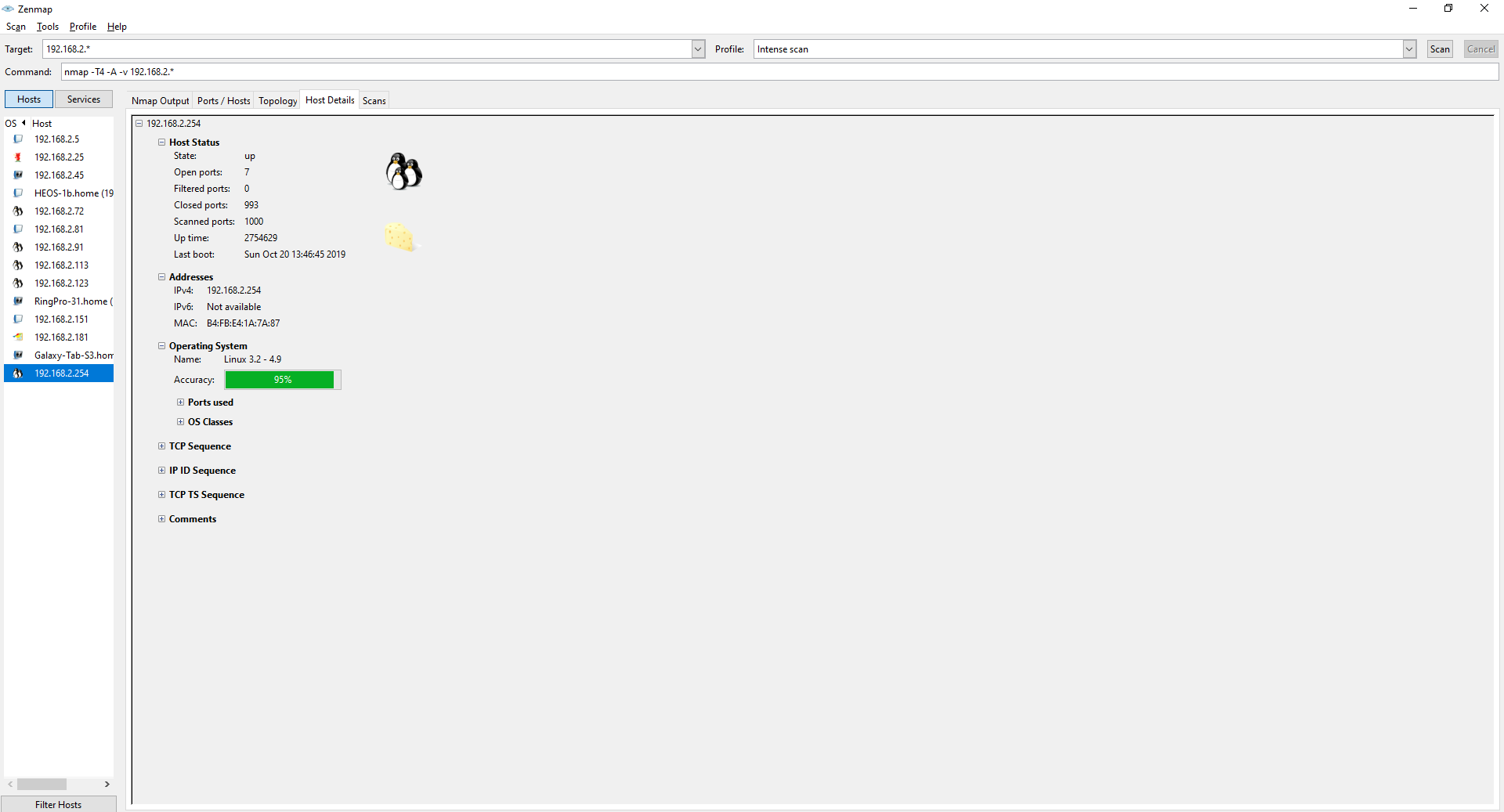
Using the before mentioned topology graph I noticed that the router has a lot of open ports as well. Getting into a network's router could give me more access to other parts of the network.
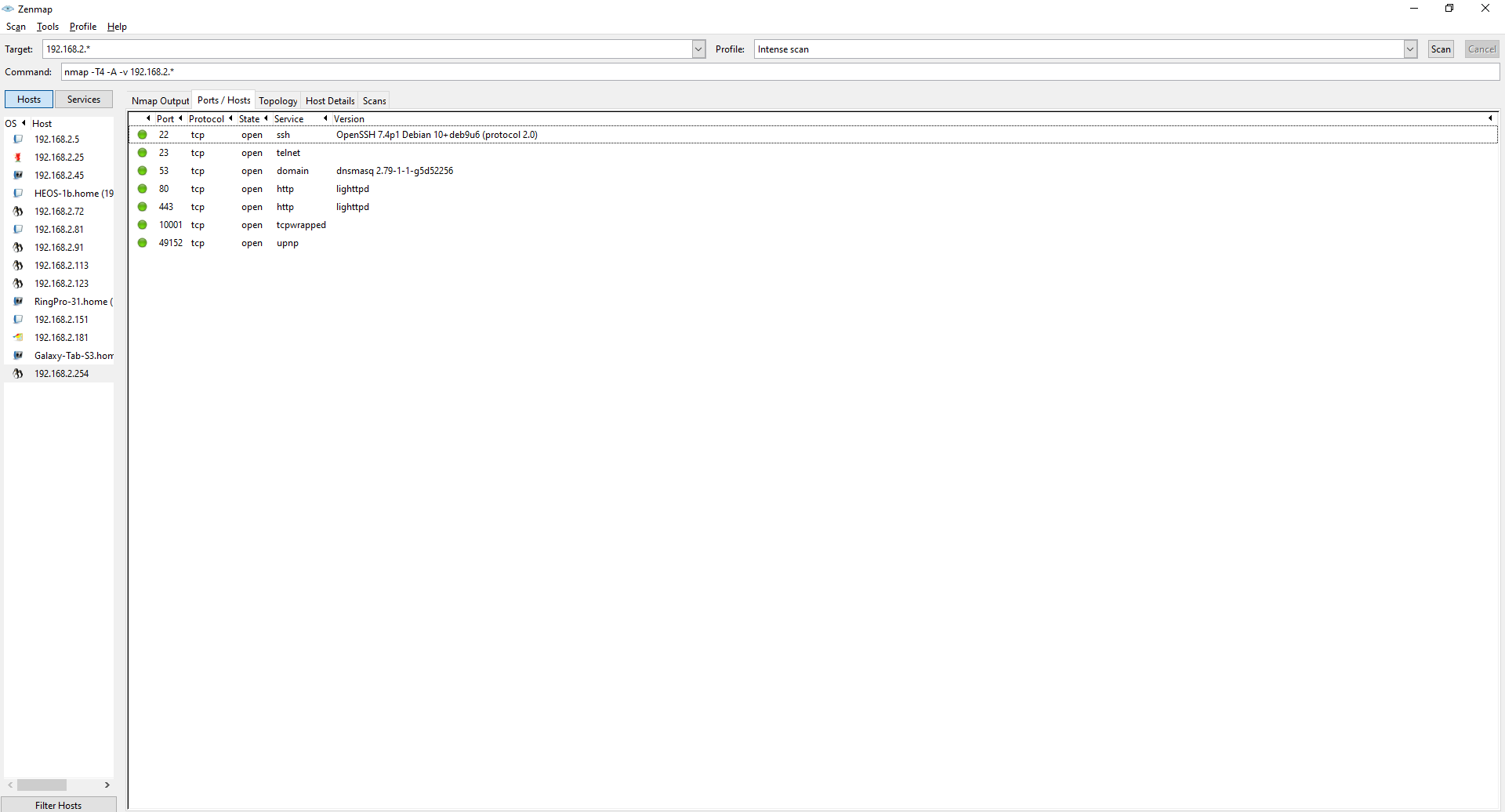
Here I can see that the router has some open ports for ssh, telnet and some webserver I can poke at.
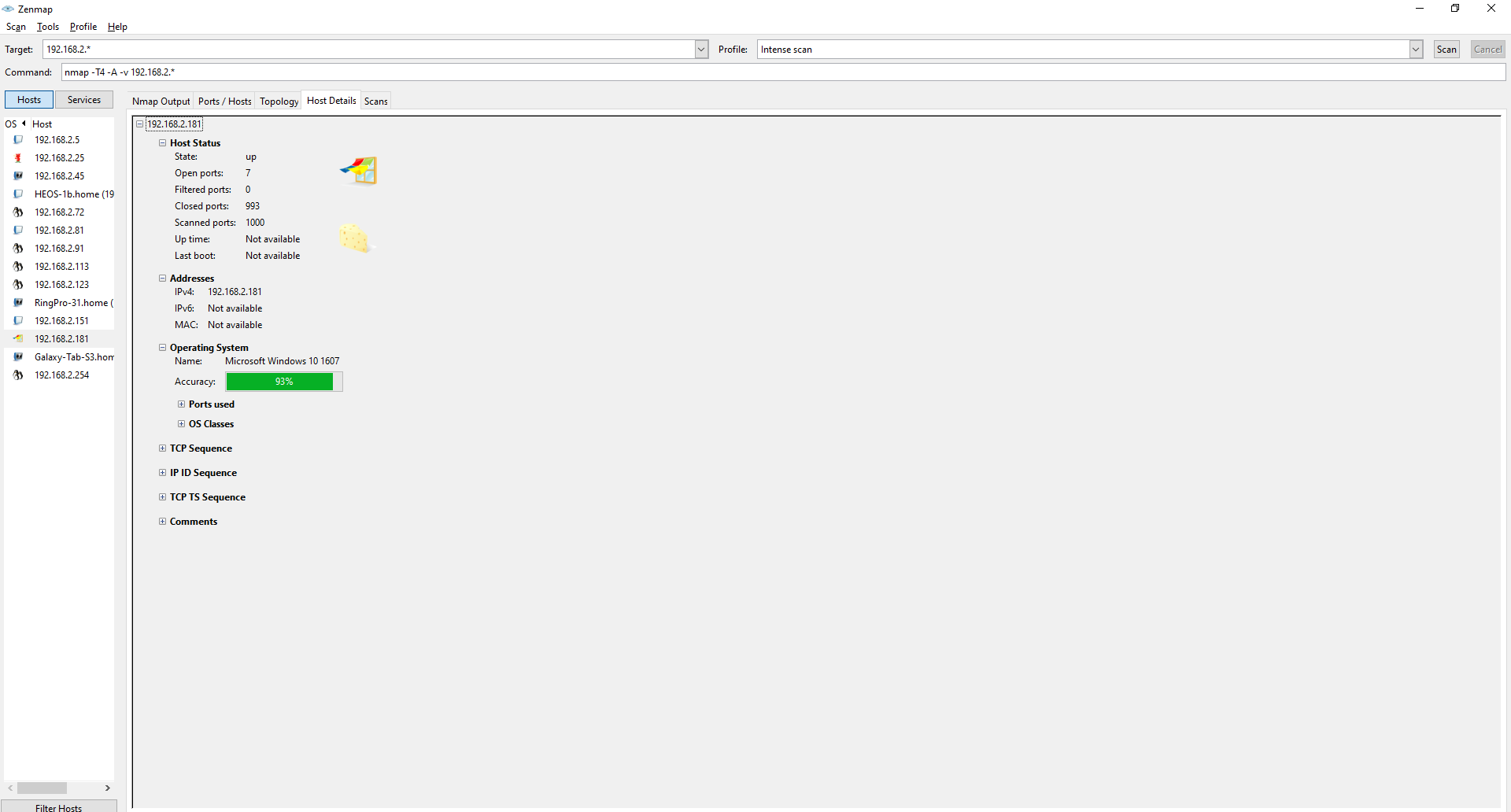
While looking at the topology graph I saw another machine with a lot of open ports so I took a look, and it looks like a windows machine.
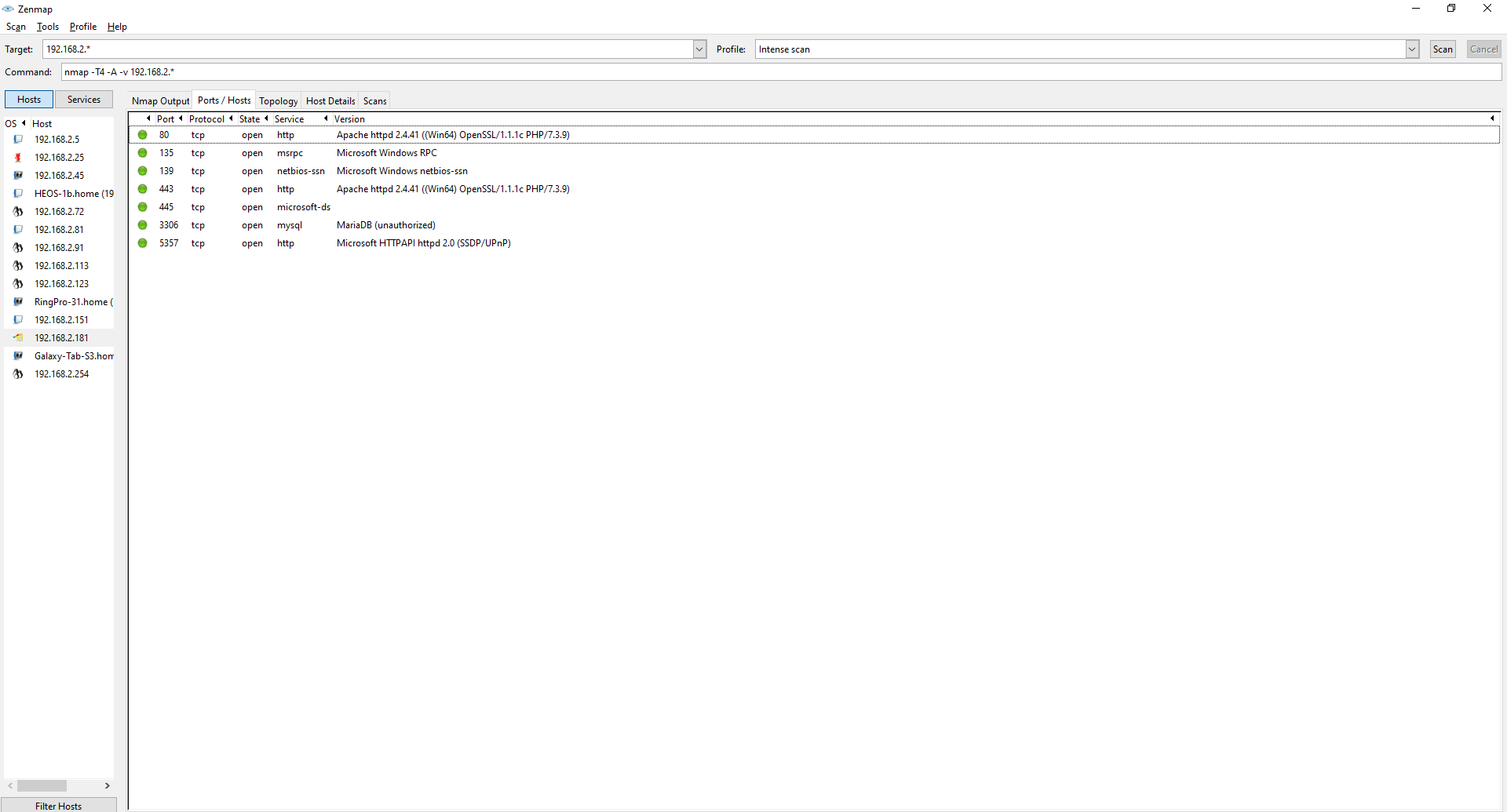
There are a few different open ports on this machine then other regular desktops. Like a MariaDB which I could try to access or take a look at the webserver. The Windows RPC protocol is running on an open port which I can utilize to get in because there are some known exploits for that.
- Date: November 2019
- Client: Fontys
- Category: Network scanning and enumeration