Fontys S7
My personal pen-testing toolboxes
Like every other profession good tools make a world of difference on the quality and efficiency of the end product. This isn't any different with cyber security. Good tools can improve results providing you with more information and helping with getting to the results faster.
On the road
On the road when I'm on my laptop I like to use Kali Linux. It's just convenient that it comes pre-loaded with all the tools you need, and it runs fairly lightweight on older laptops. The "kali-undercover" command is also a fun little gimmick that changes your Kali desktop to a Windows clone which for a random passer by looks just like a regular Windows machine. Making it incognito to use Kali whenever you're in a public space and want to keep a low profile.
At home
At home on my main desktop PC I recently switched to natively running ParrotOS. This was because I liked to try something new and the reviews were good. It comes pre-loaded with the same tools as kali and a few extra tools like diverting all traffic trough tor making the machine even more anonymous. The user experience is a little better and just overall a good looking distro. This comes at a cost because it takes more resources to run. This isn't a problem on my PC because it's quite powerful and I don't have to think about battery life. Alongside ParrotOS I run a Windows VM in qemu with WinApps running on Linux which enables me to run any Windows application I want on Linux. I mostly use it for Microsoft Office products.
Cloud
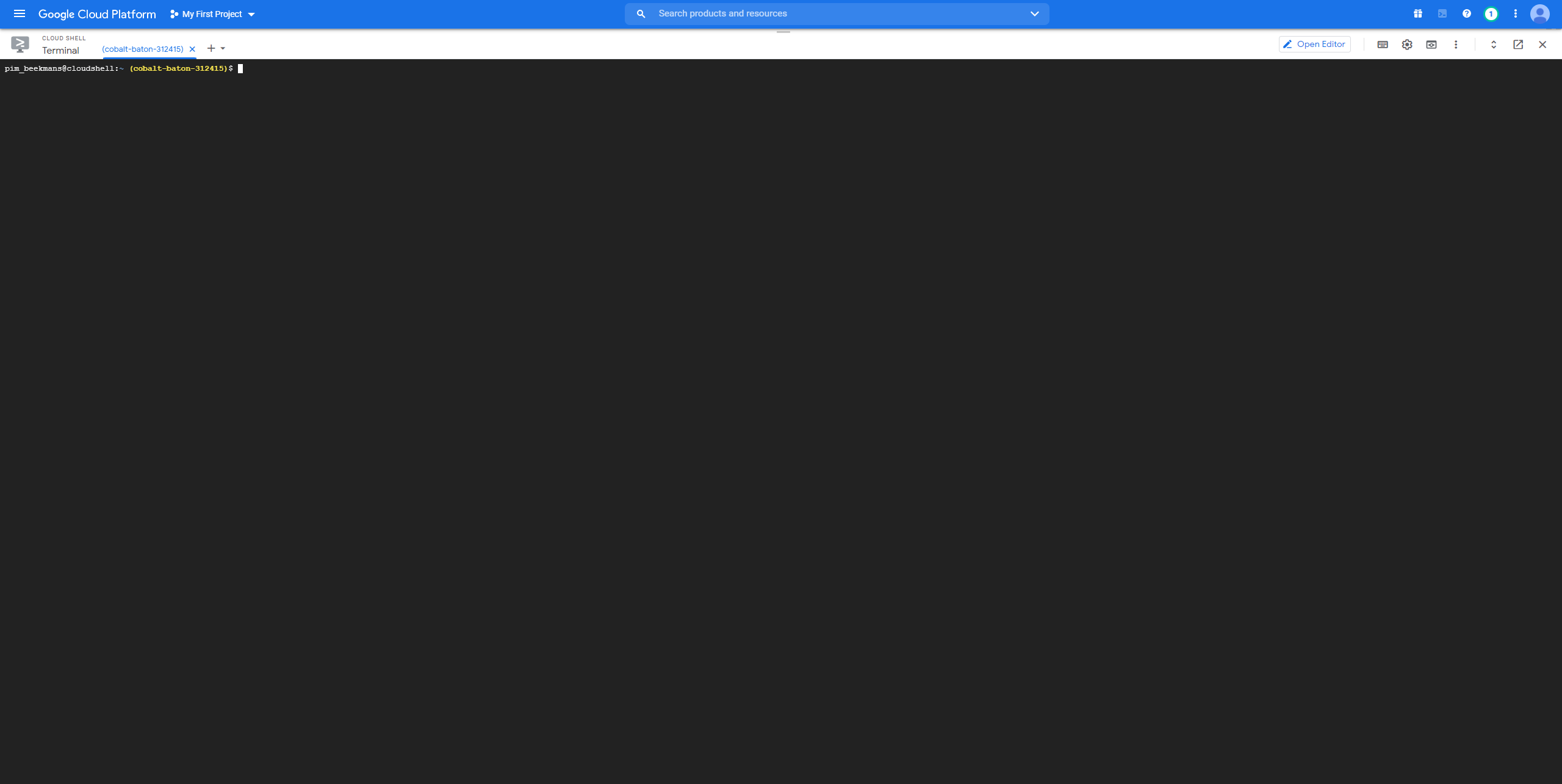
Google cloud console is an awesome way to always have a Linux machine at your disposal where ever you are. It's fully cloud based and free to use. So when you're in need of a Linux terminal and you have access to a browser you're set. The only downside is that the machine is volatile so when you shut it down it is gone. This requires you to always re-install tools and such. Luckily due to it running on Google cloud it is pretty fast. Just overall a good tool to know about.
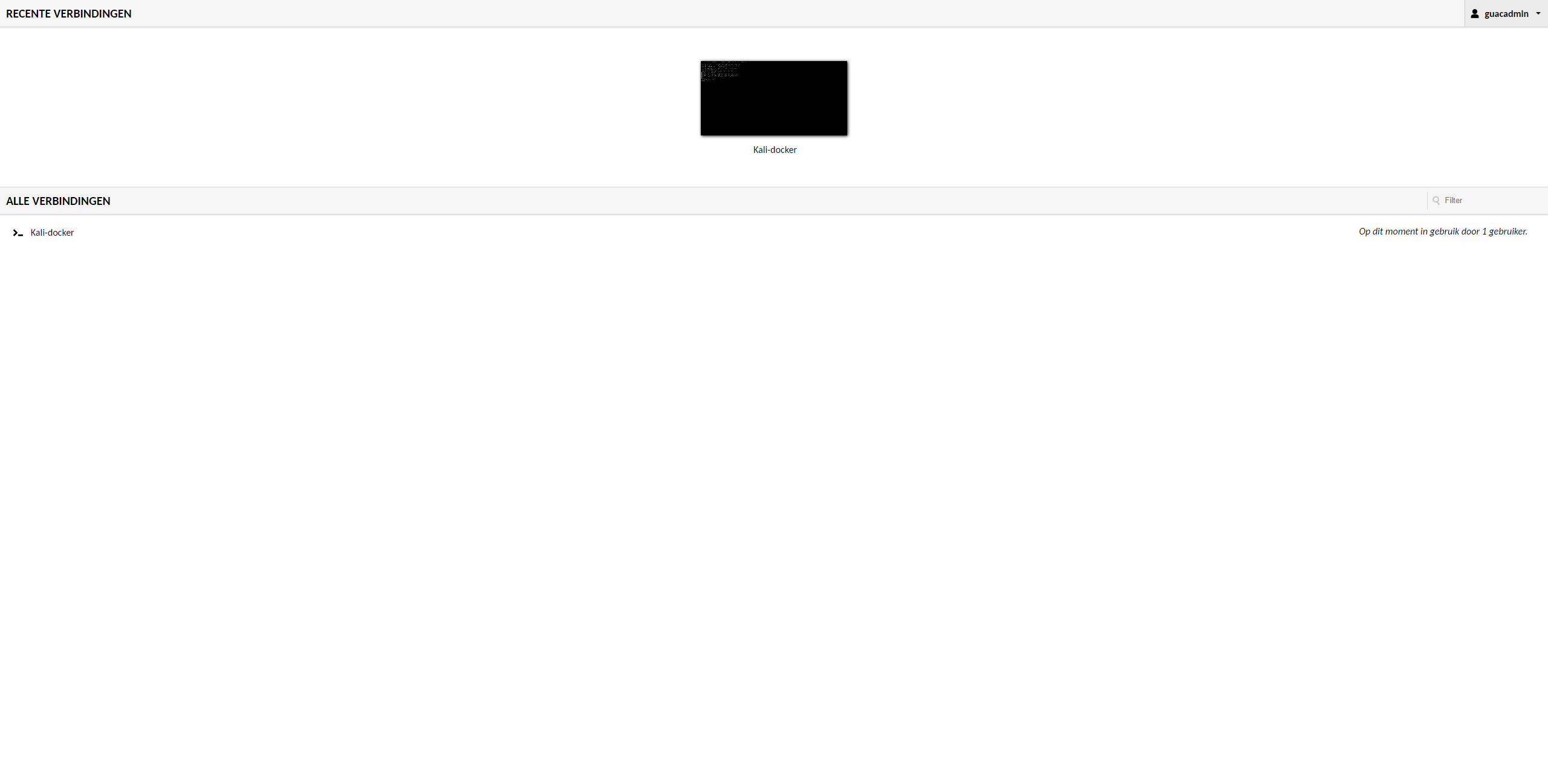
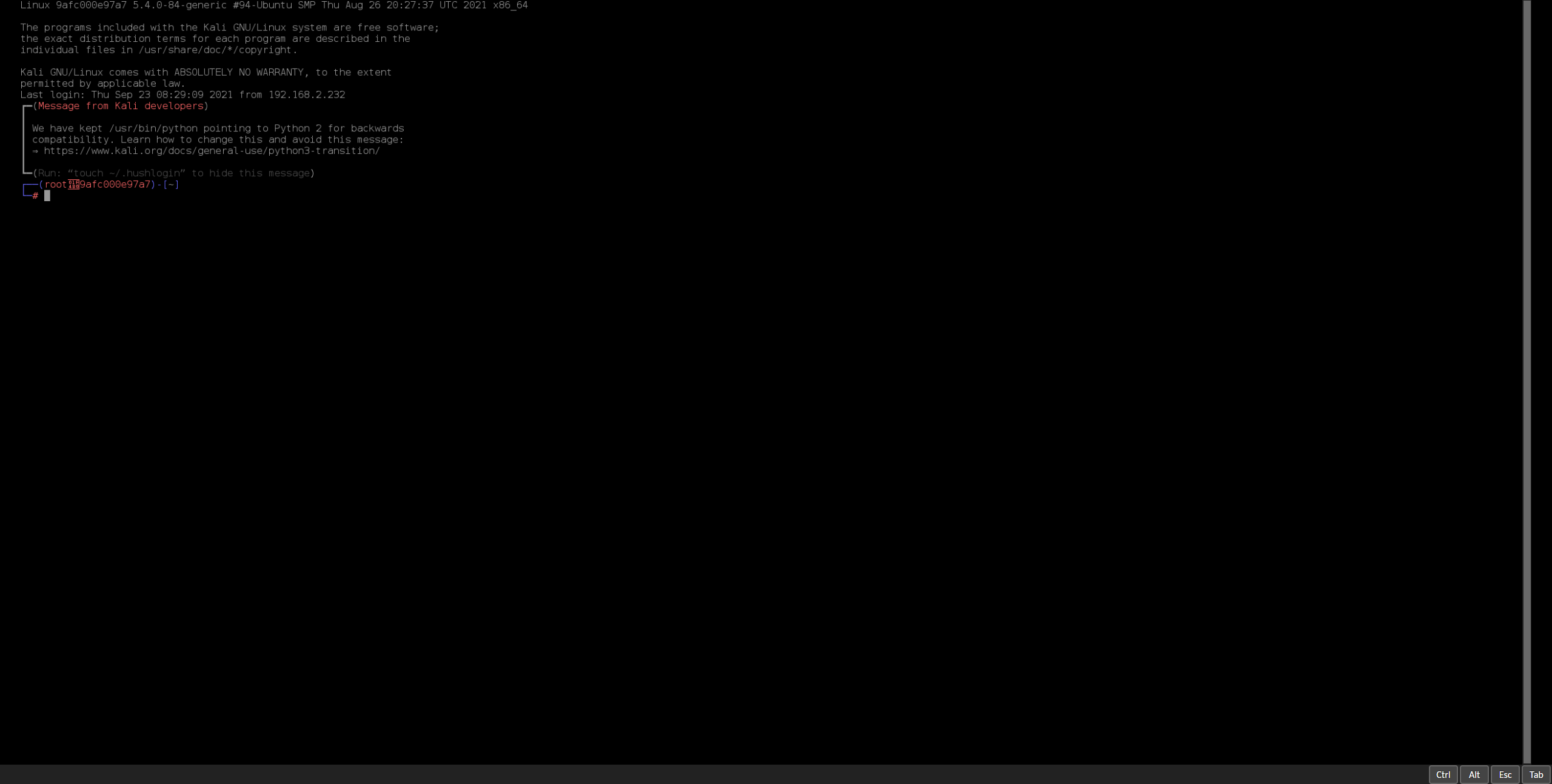
Now Guacamole is kinda like Google cloud console, but it's self-hosted. It can turn any machine with a SSH server into a cloud based web terminal accessible from any browser where ever you are. It takes a little time and effort to set it up but it is worth it. All the benefits from Google cloud console but your data is hosted by you and it is saved. In my case I installed Kali Linux on a docker server and now I can access it whenever I need to it doesn't matter if I'm on Windows, Linux or even my phone.
Windows
Whenever I'm using Windows and need to do a quick little task that requires Linux I don't want to reboot and boot into Linux because it's a hassle. That's when I use WSL. WSL stands for Windows Subsystem for Linux and it works great. It's not everything for example network related stuff is not possible due to WSL not having direct access to the network card but for other simple stuff it works great. And if I need to do a quick little scan I can use the Windows version of NMap. And if I need a little more functionality I can always use the before mentioned Guacamole to have instant access to a fully functional Kali instance in my browser.
- Date: September 2021
- Client: Fontys
- Category: Technical Skill/Research Skill